Image QueryString API
The commands available are documented into the following categories:
Usage
/api/assets/generated/recipeSet/readable/L83NJTB7/east?width=400&height=400
Note: the order of QueryString parameters does not affect output. The are evaluated in the most efficient operations regardless of order.
Examples
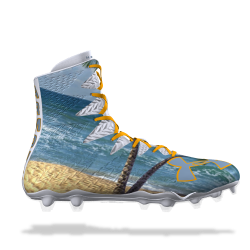
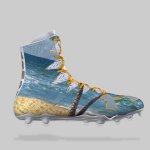
Other Examples
width=100&height=100&mode=max&scale=downensures the image is downscaled to 100x100 or less, but does not upscale the image if it is already smaller than that. Aspect ratio is maintained.width=200&height=200&mode=max&scale=bothensures the image is downscaled or upscaled to fit within 200x200, maintaining aspect ratio.width=200&height=200&mode=pad&scale=bothensures the image is downscaled or upscaled to fit within 200x200, maintaining aspect ratio, then is padded to make the result always 200x200.width=300&height=300&mode=crop&scale=bothensures the image is downscaled or upscaled to fit around 300x300, then minimally cropped to meet the aspect ratio.scale=bothensures the image is upscaled if smaller so the result is always 300x300.