Passkeys
Beginning on Thursday, August 20, 2026, the Spectrum Admin will require all users to create and login with a passkey. Passkeys are more secure than relying solely on a password and they are easier to manage than using a phone or app for MFA codes.
Learn more about passkeys: What are passkeys and why they matter
Registering a passkey
Beginning on August 20th, the first time you log into the Spectrum admin, you will be required to create a passkey.
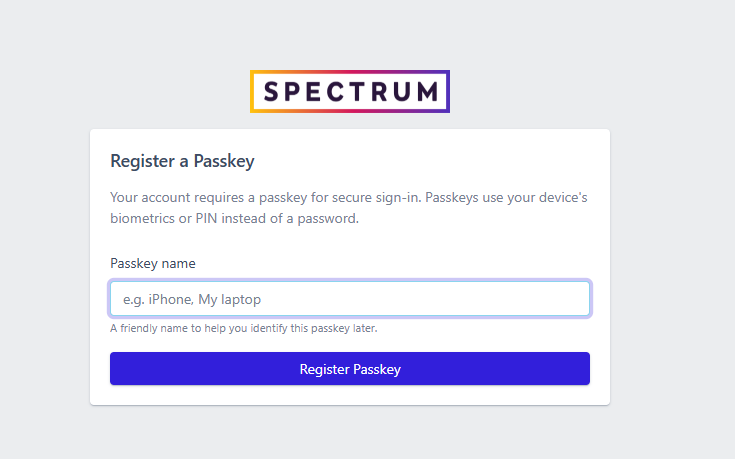
You can create multiple passkeys (one for each device) or use one across devices if you have secure cloud sync i.e. (iCloud, Windows OneDrive, etc.). Passkeys are supported by all modern browsers and platforms (PC, Mac, Android, iPhone).
Signing in with a passkey
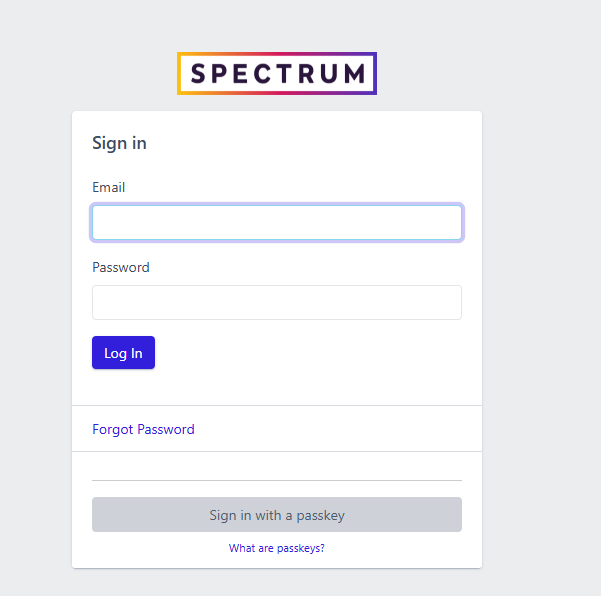
Logging in with a passkey is easier and more secure than using a password. Just click the “Sign in with a passkey” button and then verify the passkey using biometrics or password (for password managers like Bitwarden).
Lost or unavailable passkey
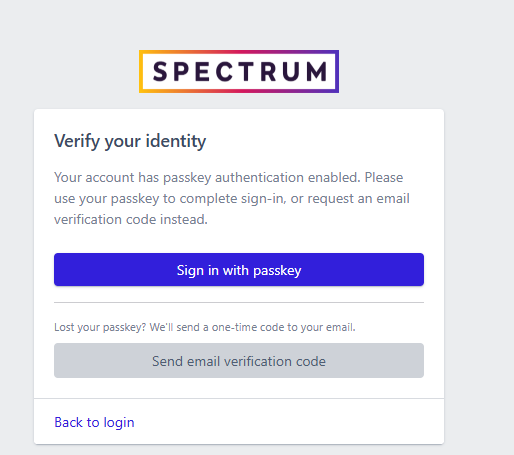
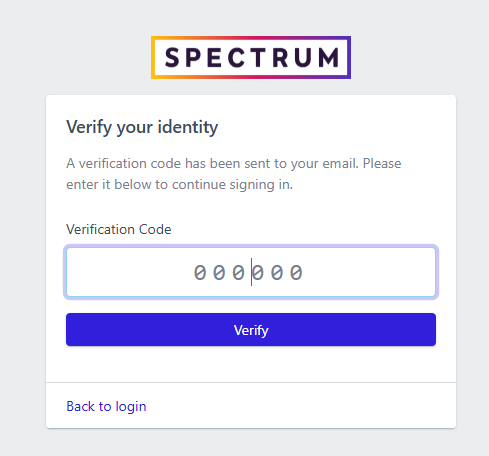
If you register a passkey and lose access to it, or are on a new device without access to the passkey, you can still login with only your password. To ensure increased security, you will need to enter the 6-digit code sent to your email to login:
Managing your passkeys
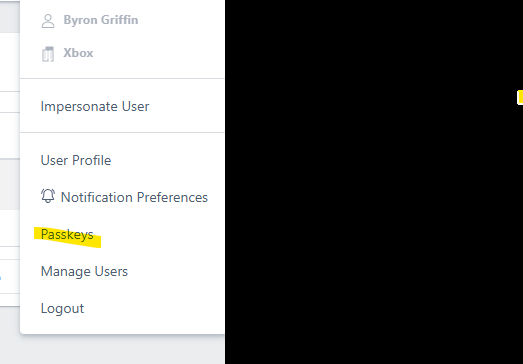
Your passkeys can be managed from the Passkeys option in your user menu.
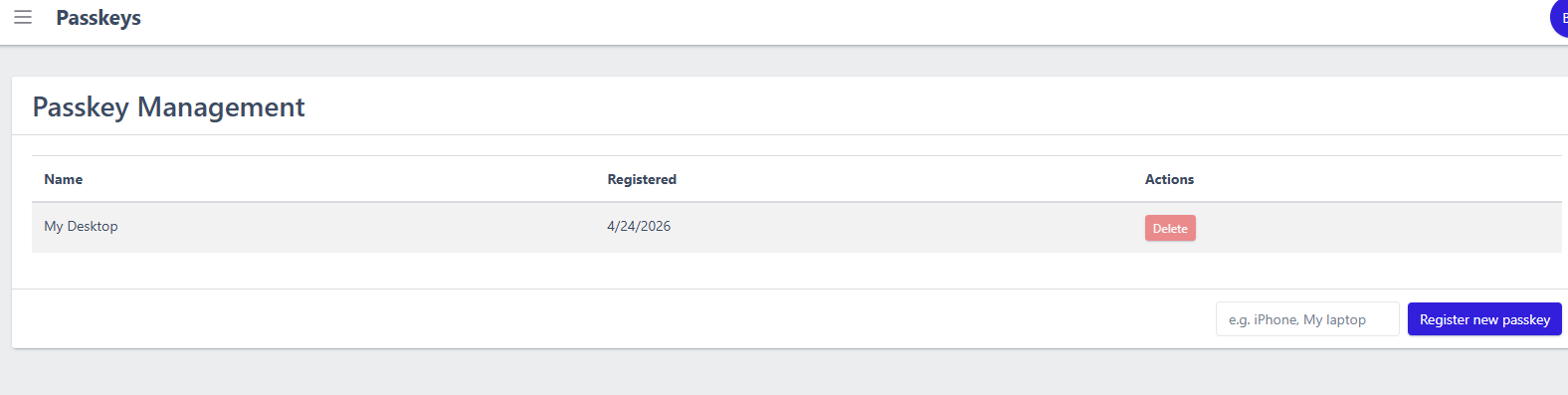
You can add or remove passkeys. At least one passkey is required for your account, so you cannot delete the last passkey.