Fonts
Available with Core license
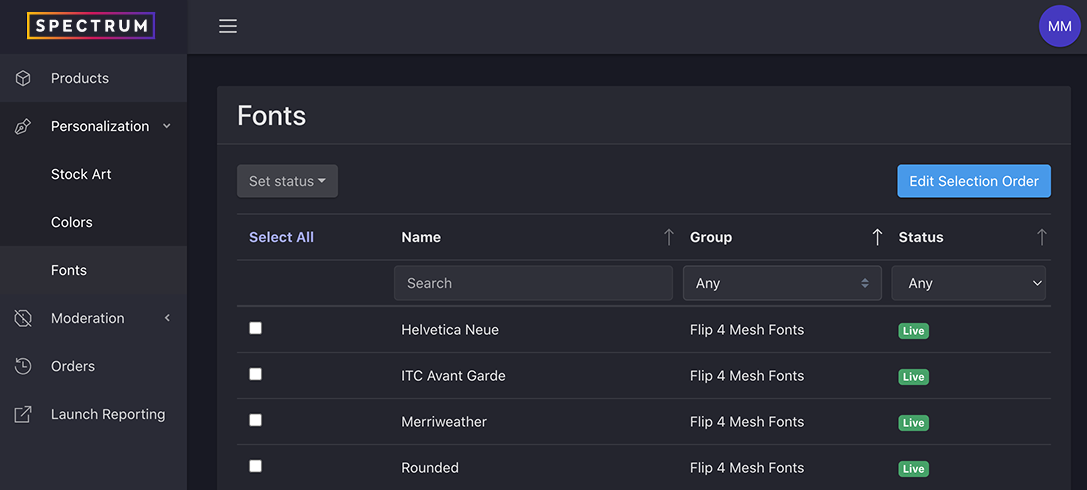
Although you are not currently able to add fonts to your customization program through your admin, you are able to manage existing fonts.
- Log into the admin
- Select Personalization > Fonts from the left navigation
Reordering Fonts
- From the fonts list view, click the Edit Selection Order button in the top right of the page
- This will launch the Fonts Selection Order modal
- Select the group you want to reorder from the drop down
- Drag fonts into the desired order
- Save changes
Updating Font Availability Status
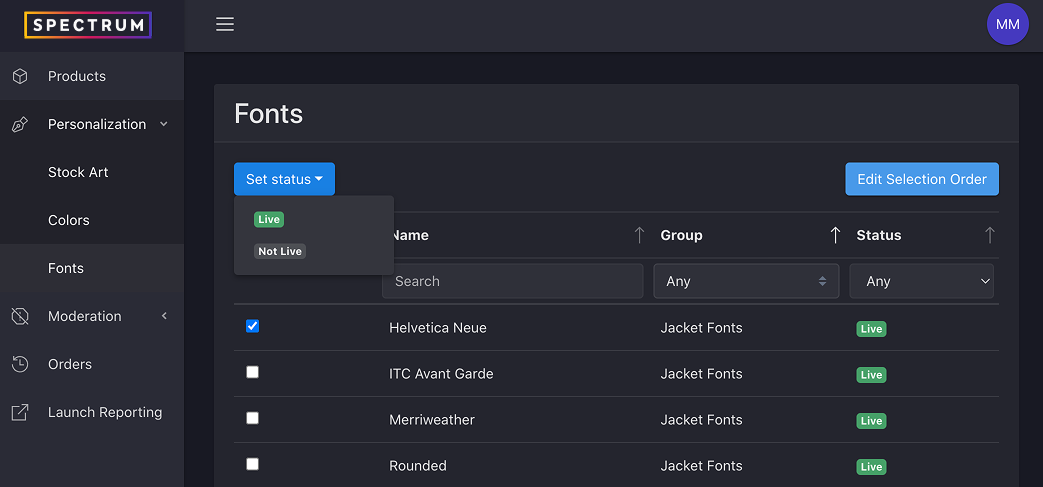
- From the fonts list view, check the box next to the font(s) you want to update
- Select the status from the Set status drop down