Reordering Component Selections
Available with Core license
- Log into the admin
- Select Products from the left navigation
- Choose the product you wish to edit
- A list of all related component selections will display
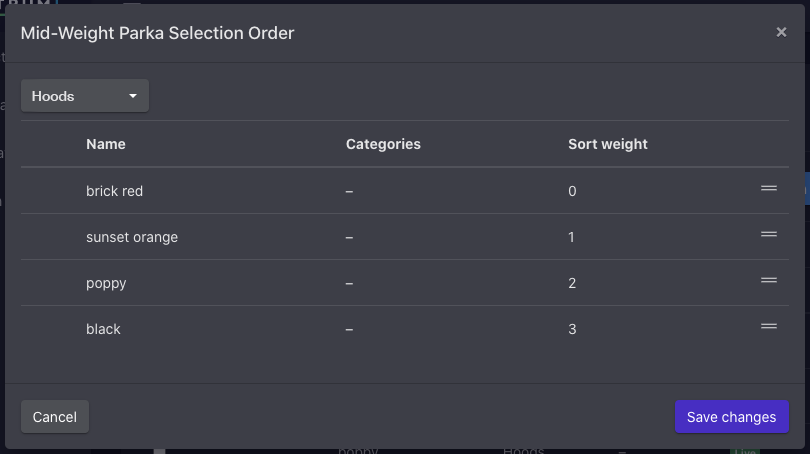
- Click Edit Selection Order button
- Select a group from the drop down
- Drag selections into desired order
- Click Save changes button