Prints & Patterns
Available with Core license (dependent upon type of pattern configuration)
In general, patterns are artwork options intended to allow the consumer to cover larger areas of a product. To access your pattern library:
- Log into the admin
- Select Personalization > Prints and Patterns from the left navigation
Editing Prints and Patterns
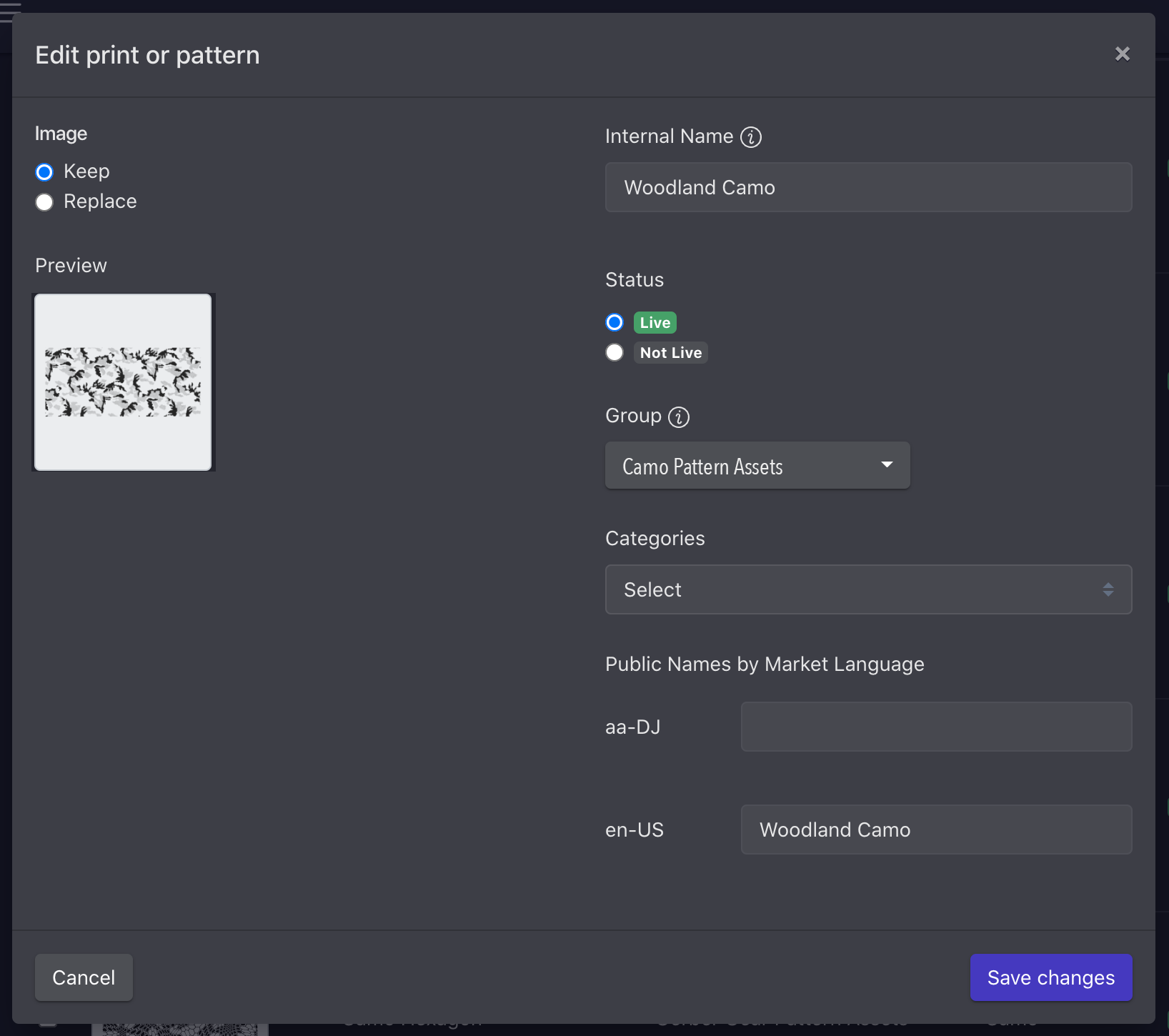
By clicking the edit (pencil) icon next to the print/pattern you wish to edit, you’ll be able to make updates to the image, internal name, status, associated group, categories, and public facing name by market language.
Reordering Prints and Patterns
- From the prints and patterns list view, click the Edit Selection Order button in the top right of the page
- This will launch the Prints and Patterns Selection Order modal
- Select the group you want to reorder from the drop down
- Drag artwork into the desired order
- Save changes
Because prints and patterns may belong to one or more categories, you are not currently able to order them within a category. Your customizer will usually order categories and individual items within the categories based on how you organize them in the admin.