Colors
Available with Core license (limited to RGB Hex color management)
When it comes to customization, color gets complicated. For example, “red” looks very different on plastic, fabric, metal, etc. However, in a few specific instances color can be represented with a simple RGB HEX value. In those instances, you will have the ability to manage the order and availability of those colors.
- Log into the admin
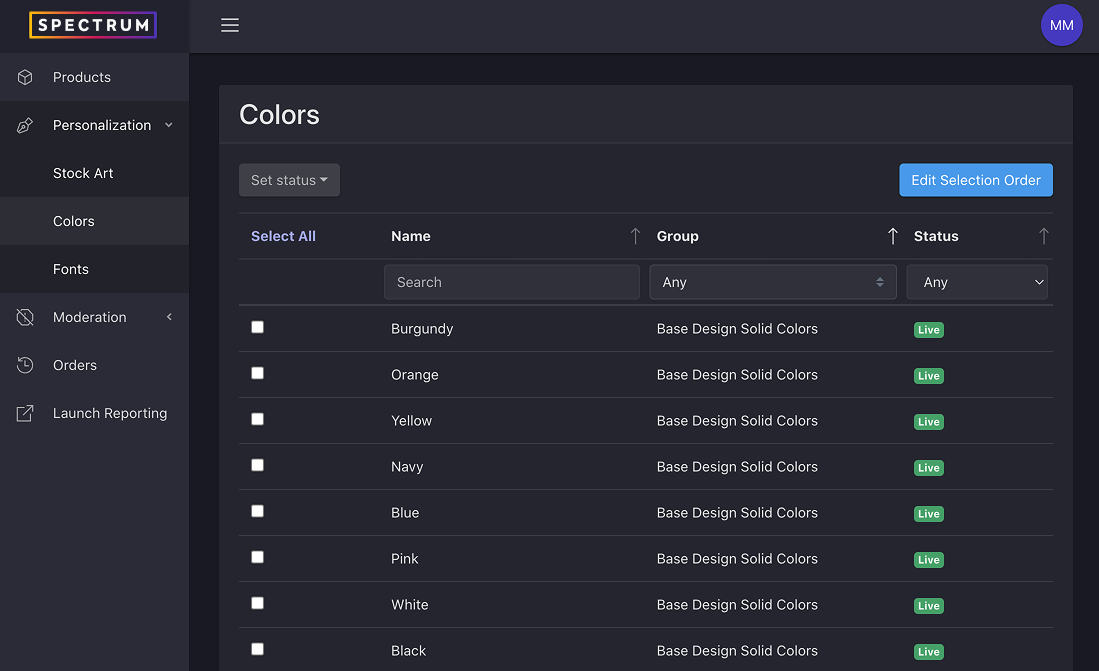
- Select Personalization > Colors from the left navigation
Reordering Colors
- From the colors list view, click the Edit Selection Order button in the top right of the page
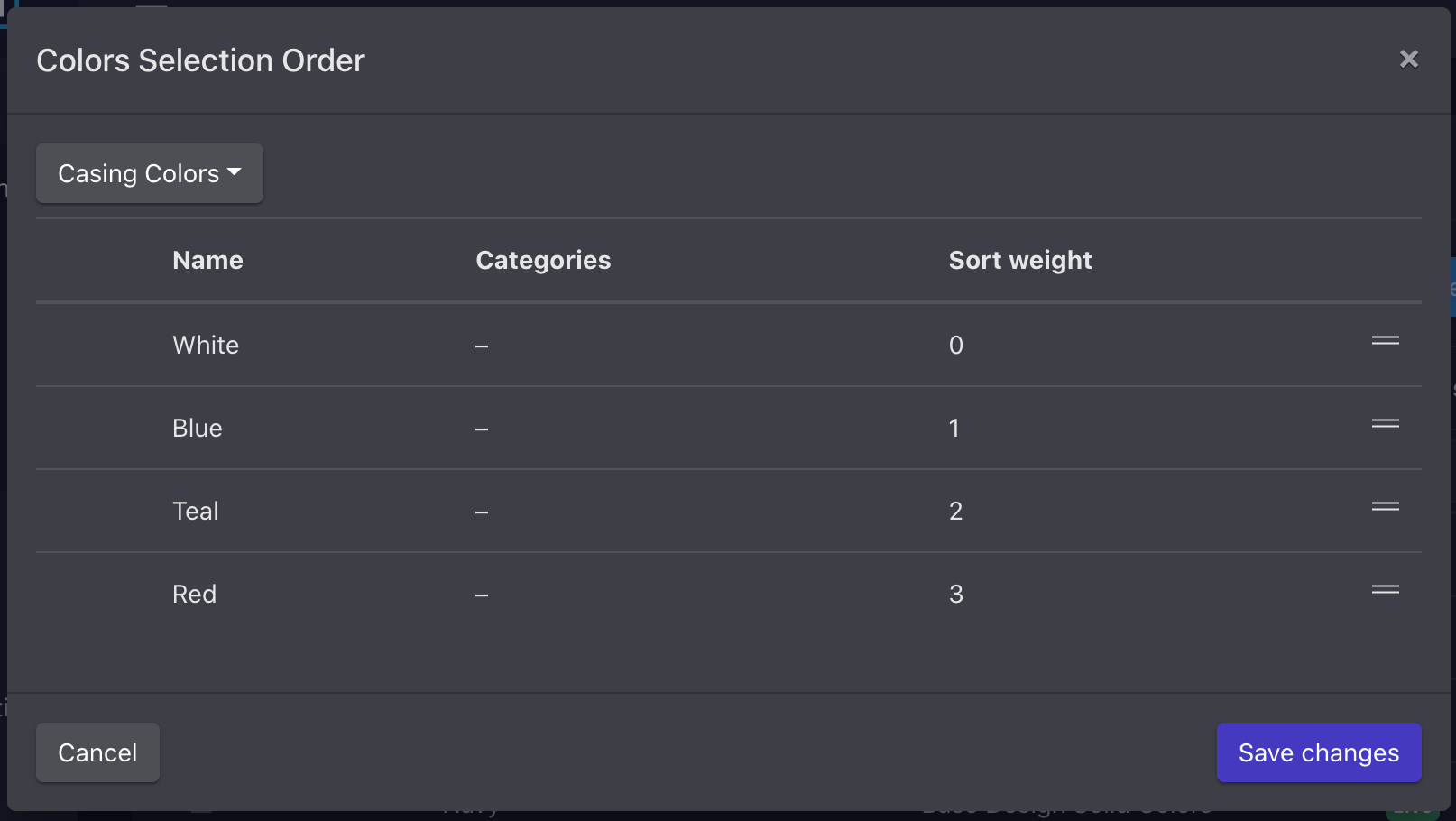
- This will launch the Color Selection Order modal
- Select the group you want to reorder from the drop down
- Drag colors into the desired order
- Save changes
Updating Color Availability Status
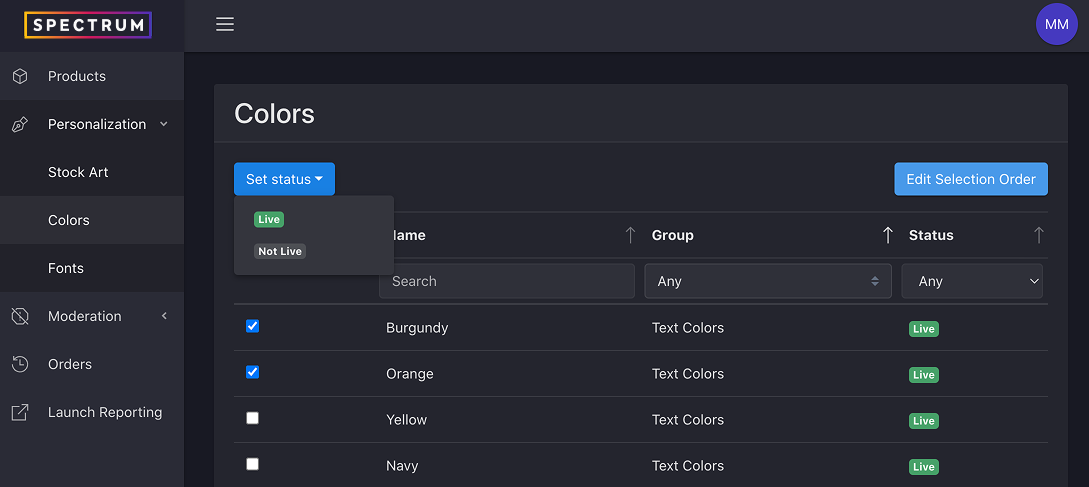
- From the colors list view, check the box next to the color(s) you want to update
- Select the status from the Set status drop down