Stock Artwork Design Guidelines
File Type
We strongly advise using vector (SVG) artwork when creating stock assets to be used in the customizer. Vector assets tend to be smaller than raster images and so they load faster. They are resolution independent so we don’t have to worry about output resolution.
Dimensions
Consider the final output size when determining dimensions. Lines that appear fine at 100% zoom may be too small to reproduce when scaled down. Vector assets simplify things. If the artwork is being used across differently sized products, design it with the smallest product in mind. Vector assets will scale up without a problem.
If using raster assets then plan on supporting the minimum resolution of the largest output area. Test how the artwork will look when scaling down to smaller outputs.
Clients should consult with Spectrum team to discuss factory considerations if raster assets are used.
Try to have the final design fill up the entire artwork. We have some clients with alignment requirements that are difficult to meet when there is a lot of white space around the art.
User Editable Colors
Spectrum allows users to edit the colors of stock art. It scans the final SVG and marks each unique RGB fill as a user editable color. You can design with whatever colors you want (a lot of designs get submitted to us as grayscale). We have the ability to override the initial values. There’s technically no limit to the number of colors you can use but the UI can get a bit cramped above 5.
If you’re interested in making a design where some colors can’t change (like black) we can support that, but we’ll just have to coordinate when we process them.
Spot & Process Colors
Spectrum can map RGB colors to spot or process colors when creating factory output. Tints and transparency are NOT currently supported.
Special Considerations for Laser Engraving
Artwork that will be used for laser engraving should only have one color (black). Pay extra attention to the width of lines as thin lines and small text may not reproduce well. Some engraving software can run into problems with vector images that have a lot of points, so try to keep the file size reasonable. Stroke size should be no smaller than 0.0625 pt.
Designs with large areas of negative space can cause heat to build up during engraving, which may result in uneven burn depth, scorching, or other reproduction issues. If your design includes significant open areas, consult with the Spectrum team before finalizing the artwork.
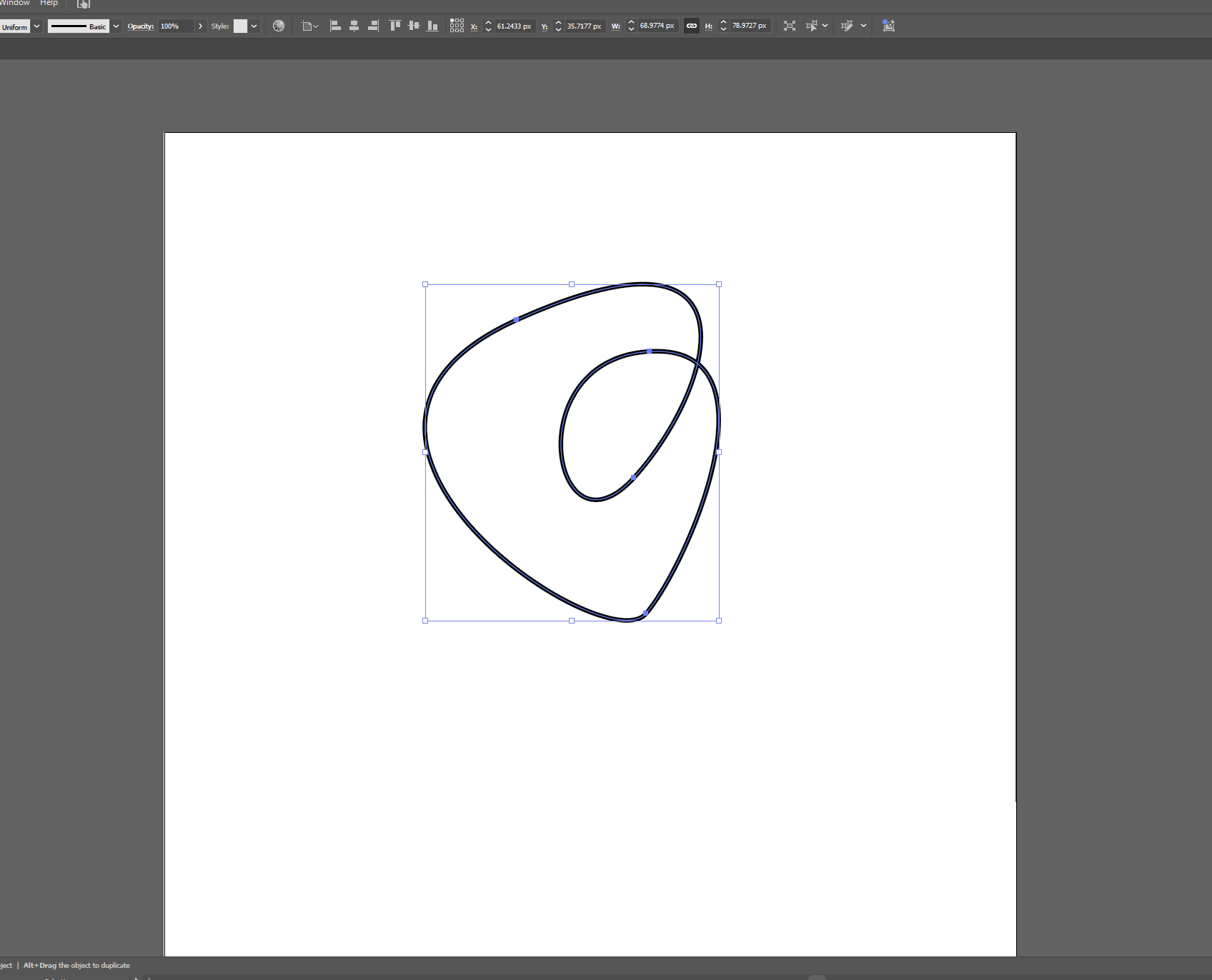
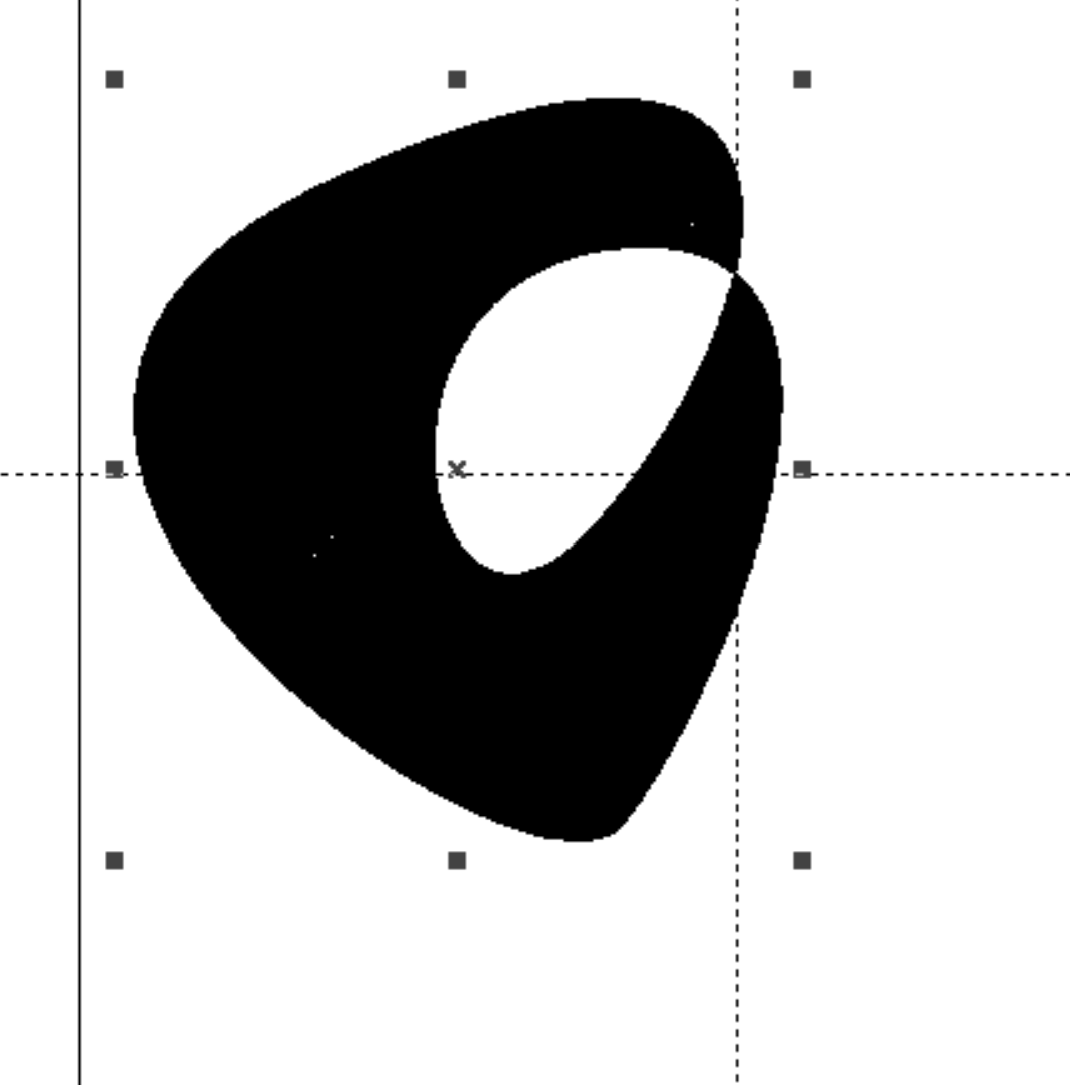
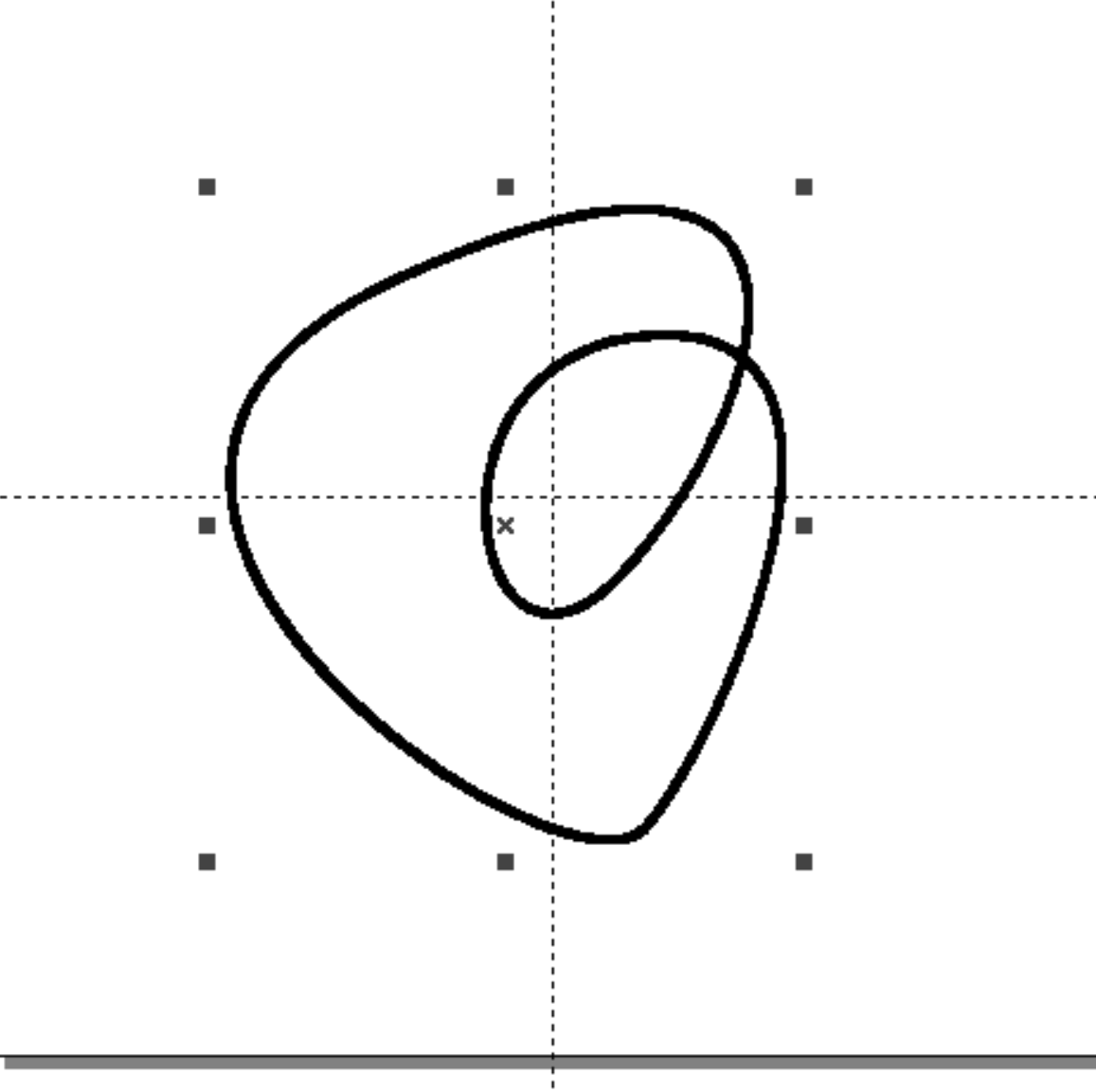
Overlapping vector paths can also cause issues with some engraving software where an unwanted fill is placed inside the vector paths.
The solution is to outline the path (Object → Path → Outline Stroke) and delete the original path.
Exporting from Illustrator
The output will be served on the web so anything that minimizes file size is appreciated. Try to target less than 200kb per file but there isn’t a hard limit.
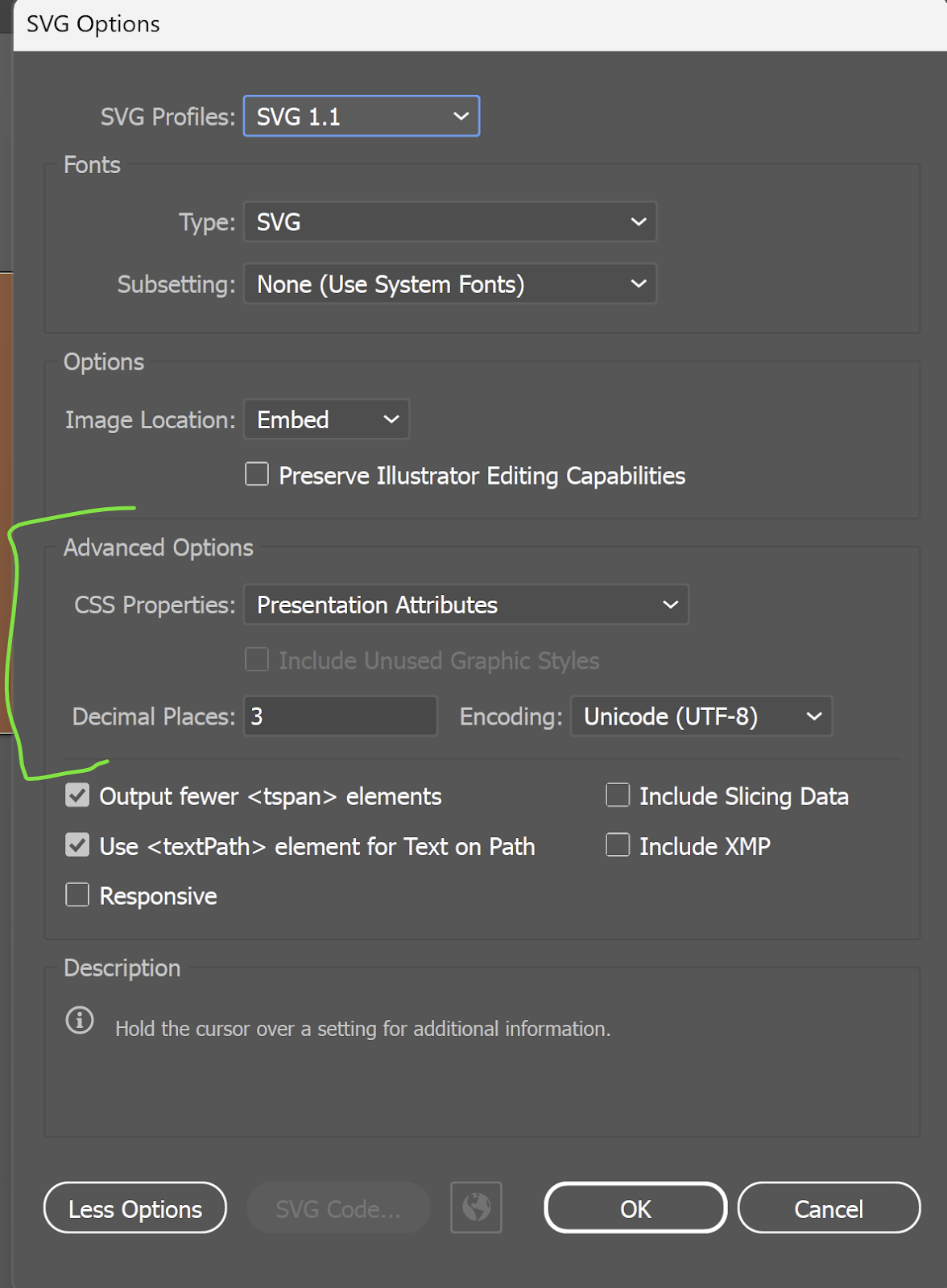
If you’re exporting from Illustrator please make sure that CSS Properties are set to Presentation Attributes and Decimal Places is set to 3.
Additional Guidelines
- Spectrum doesn’t support image tiling. Artwork can be used as a small decoration (surrounded by “white space” in a customizable area) or it may fill the entire customizable area.
- Outline all text
- Outline any strokes — Color replacement only works with fills and there can sometimes be issues when scaling.
- Avoid pattern swatches — they can cause problems with PDF output.
- Avoid embedded bitmaps — they can increase the file size and won’t scale well.
- Avoid gradients — some types of output have trouble with them.
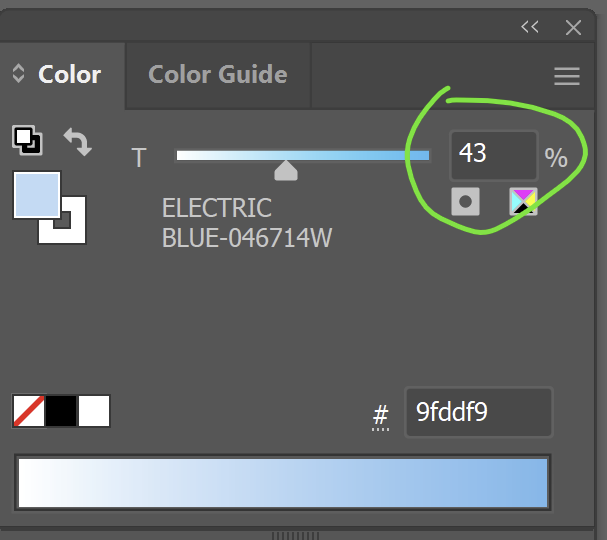
- Avoid color tints — if you’re working with a spot color then it is possible to create a color as a percentage of another. This will get exported as a separate RGB color and so it will break any connection to the full color value.
- Avoid opacity adjustments — they can cause issues with some types of output.