Categories
Available with Core license
Categories allow for easy grouping of artwork within your customizer. To access Categories:
- Log into the admin
- Select Personalization > Categories from the left navigation
Editing Categories
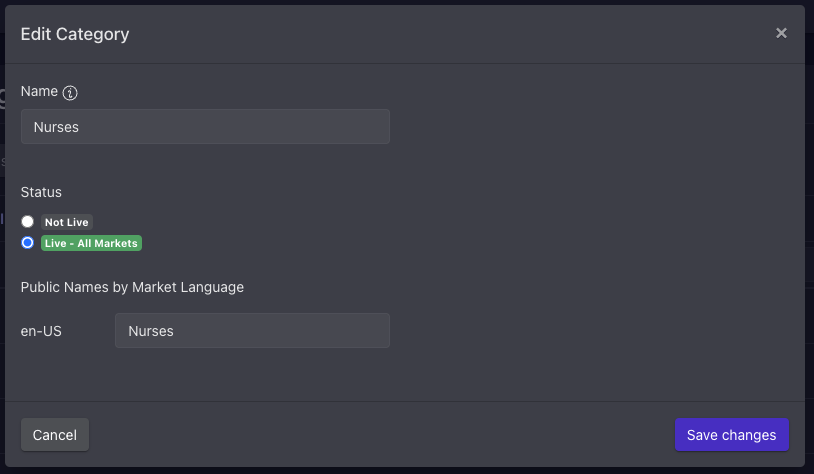
By clicking the edit (pencil) icon next to the category you wish to edit, you’ll be able to make updates to the internal name, status, and public facing name by market language.
Adding Category
- From the category list view, click the + in the top right corner of the page
- This will open the Add Category modal, where you can add name, set status, and input public names by market language
- Save changes
- To expedite the addition of multiple categories, you may also check the “Add another” box before saving changes to automatically relaunch the Add Category modal after save.
Reordering Category
- From the category list view, click the Edit Selection Order button in the top right of the page
- This will launch the Category Order modal
- Drag categories into the desired order
- Save changes