Notifications
Available with Core license
Notifications are used for time-based and frequently changing messaging that appears on a specific view of the customizer. For example, using a notification for a shipping message allows you to manage the text on the fly without help from Spectrum.
- Log into admin
- Navigate to Notifications
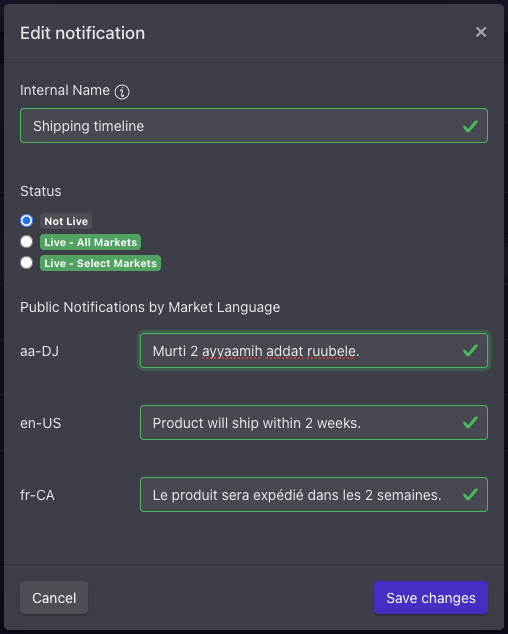
- Select the Notification you wish to edit by clicking the pencil icon
- Update the Internal Name (for your reference only)
- Update the Status
- Modify the localized message per locale. You can use markdown for basic formatting:
**bold text***italicized text*- link:
[title](https://www.example.com) - single line break using return key
- Save changes
You cannot add new notifications, as this requires Spectrum to connect within the customizer.