Managing Product Components
Available with Core license
- Log into the admin
- Select Products from the left navigation
- Choose the product you wish to edit
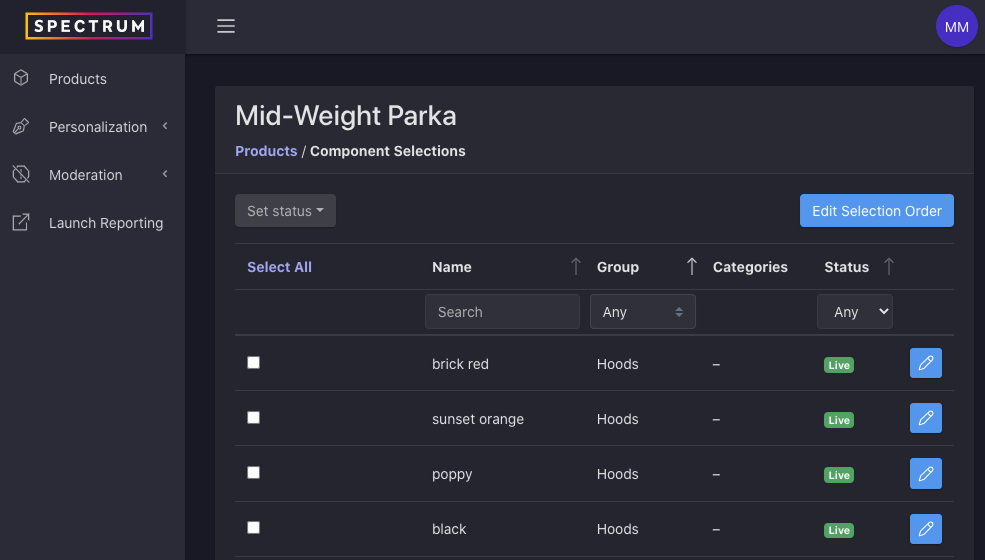
- A list of all related component selections will display
- To locate a subset or specific component selection, you can:
- Use the search field
- Filter by Group
- Filter by Status
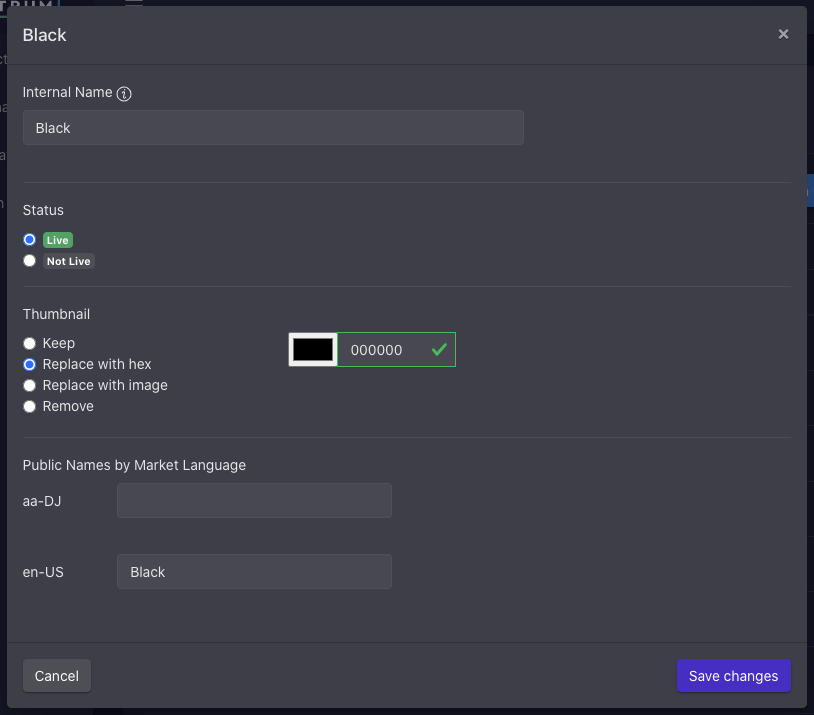
- To edit a component selection, click the pencil icon. This will allow you to update:
- Internal name (this name is used only for searching and organizing content in the admin and does not appear anywhere within your customizer)
- Status (see also: Component Selection Availability)
- Thumbnail, which may be represented with and RGB HEX value or an image
- Localized public names, which are likely to be used to describe the selection in various markets where you allow customization
- Click Save