Component Selection Availability
Available with Core license
As your inventory changes, you can update the status of component selections to ensure that your customers can only design products that can be fulfilled.
- Log into the admin
- Select Products from the left navigation
- Choose the product you wish to edit
- A list of all related component selections will display
Filtering by Availability Status
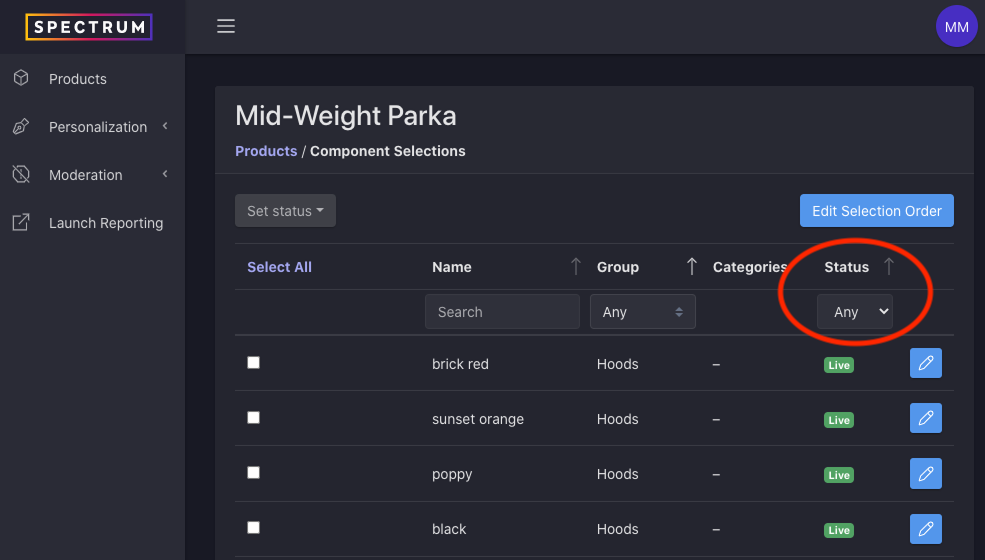
To view only components with a certain availability status, use the drop down at the top of the component selection list.
Updating Availability Status
Select the edit (pencil) icon next to the component selection you’d like to update and then change the status in the edit modal.
Updating Availability Status of Multiple Components
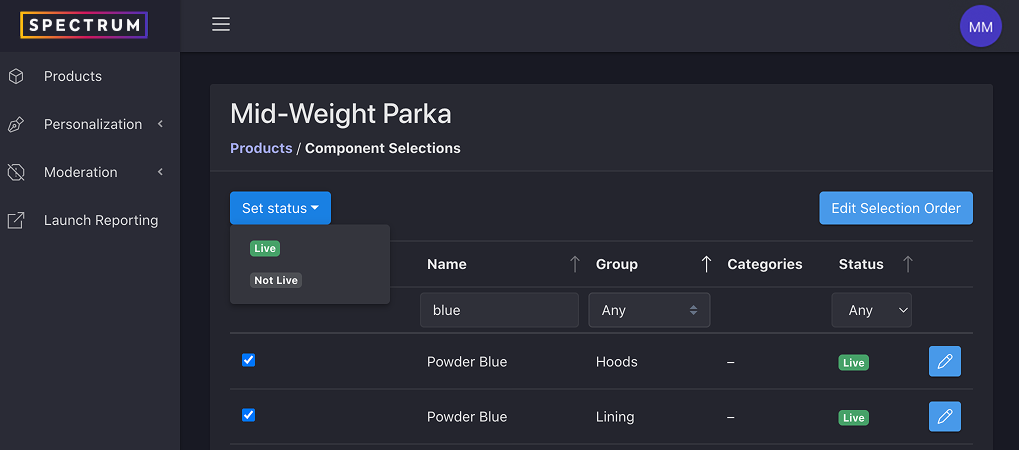
If you would like to update the availability of multiple component selections at the same time, you can do that from the component list view.
- Select the checkbox next to each of the selections you wish to update
- You may also filter down the list until only the selections you wish to update are displayed and then choose “Select All”
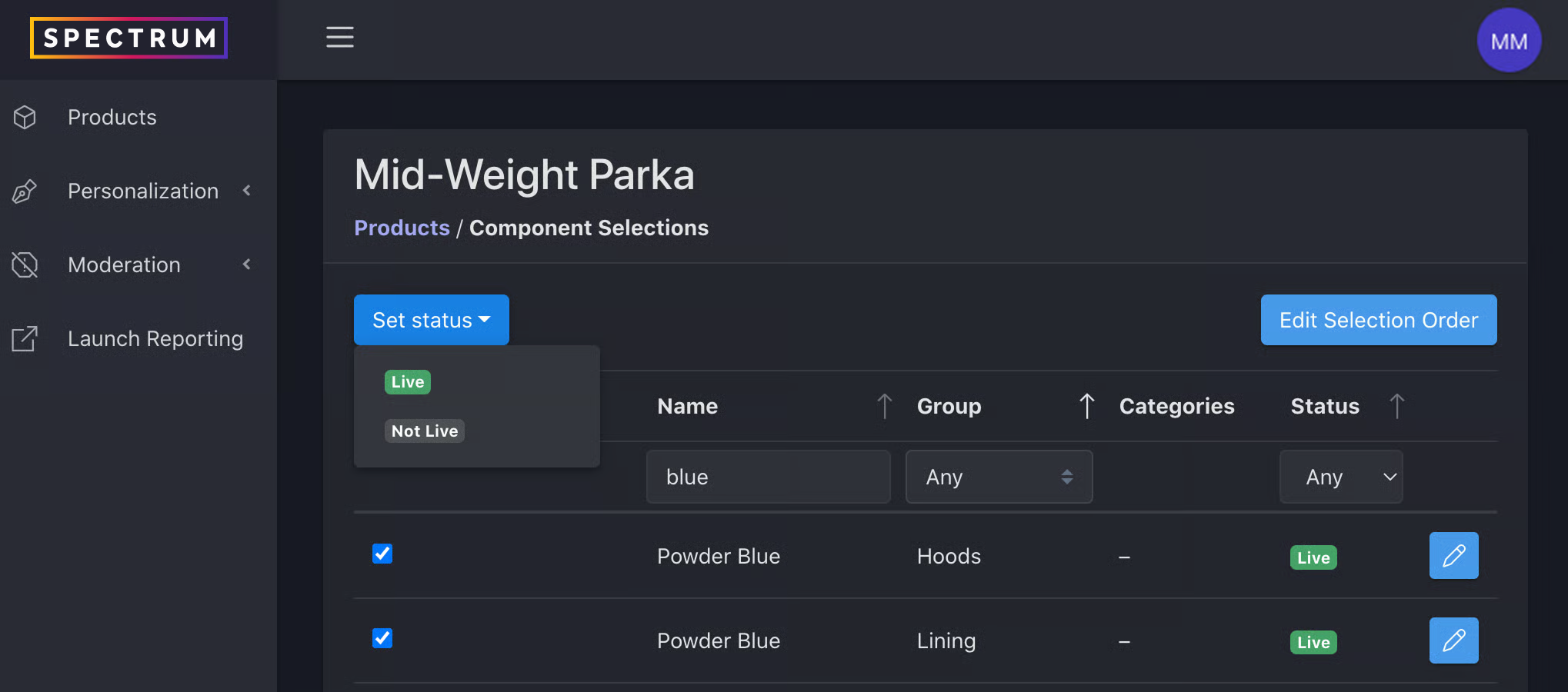
- Make a selection from the Set Status dropdown