Order Approval
Available with Advanced Graphics license
For customers using Spectrum’s full content moderation features, there is an option to allow consumers to request human moderation of an AI moderation result. These disputed orders will appear in the Order Approval section of the admin.
- Log into admin
- Navigate to Moderation > Order Approval
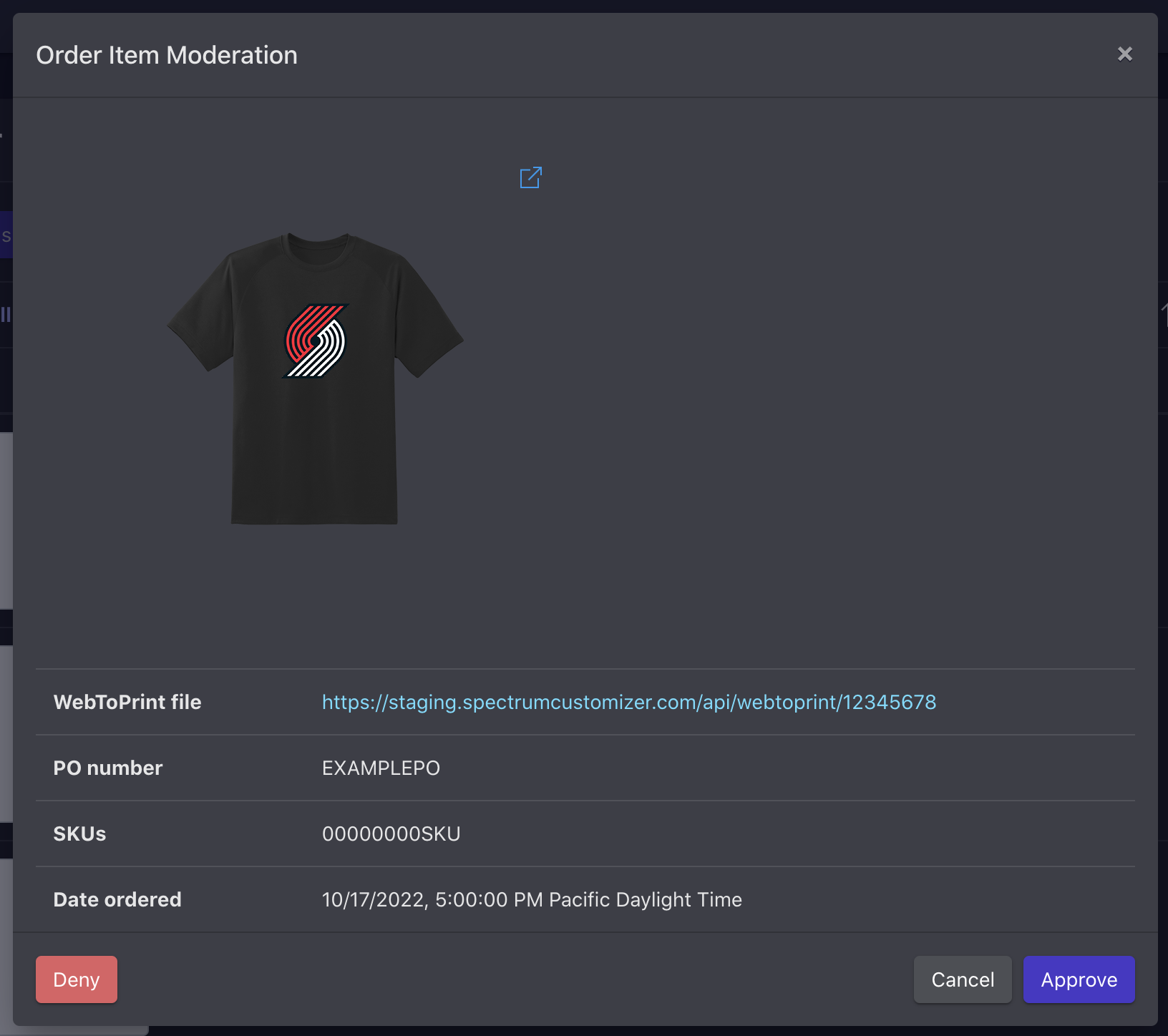
- Select the order you wish to review from the list by clicking the edit (pencil) icon
- A modal will open to display multiple views of the product with image applied
- Click the icon located to the top right of any image to enlarge the image
- Some clients will also have a link to download Web To Print file to view actual size of image on product
- To moderate the order, click the Deny or Approve button within the modal