Image Creator
Available with Advanced Media license
The Spectrum Image Creator feature allows you to load and position an existing design (recipe) and download an image file up to 4K resolution.
- Log into the admin
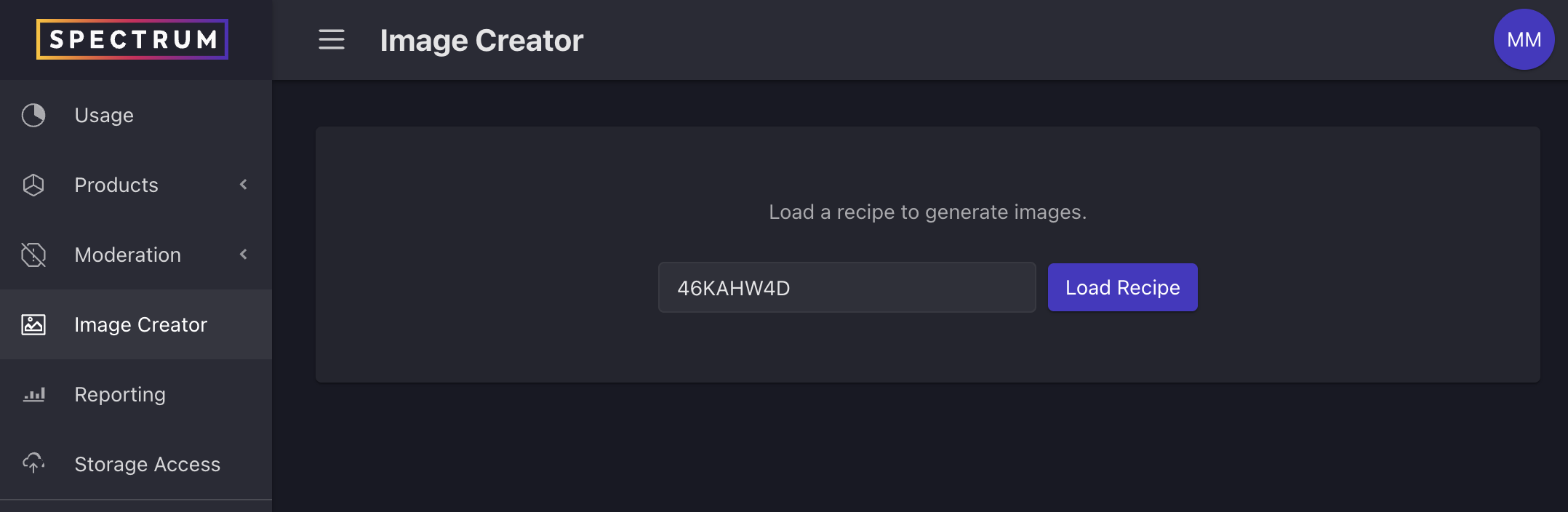
- Select Image Creator from the left navigation
- Enter the recipe ID for an existing design and click the “Load Recipe” button
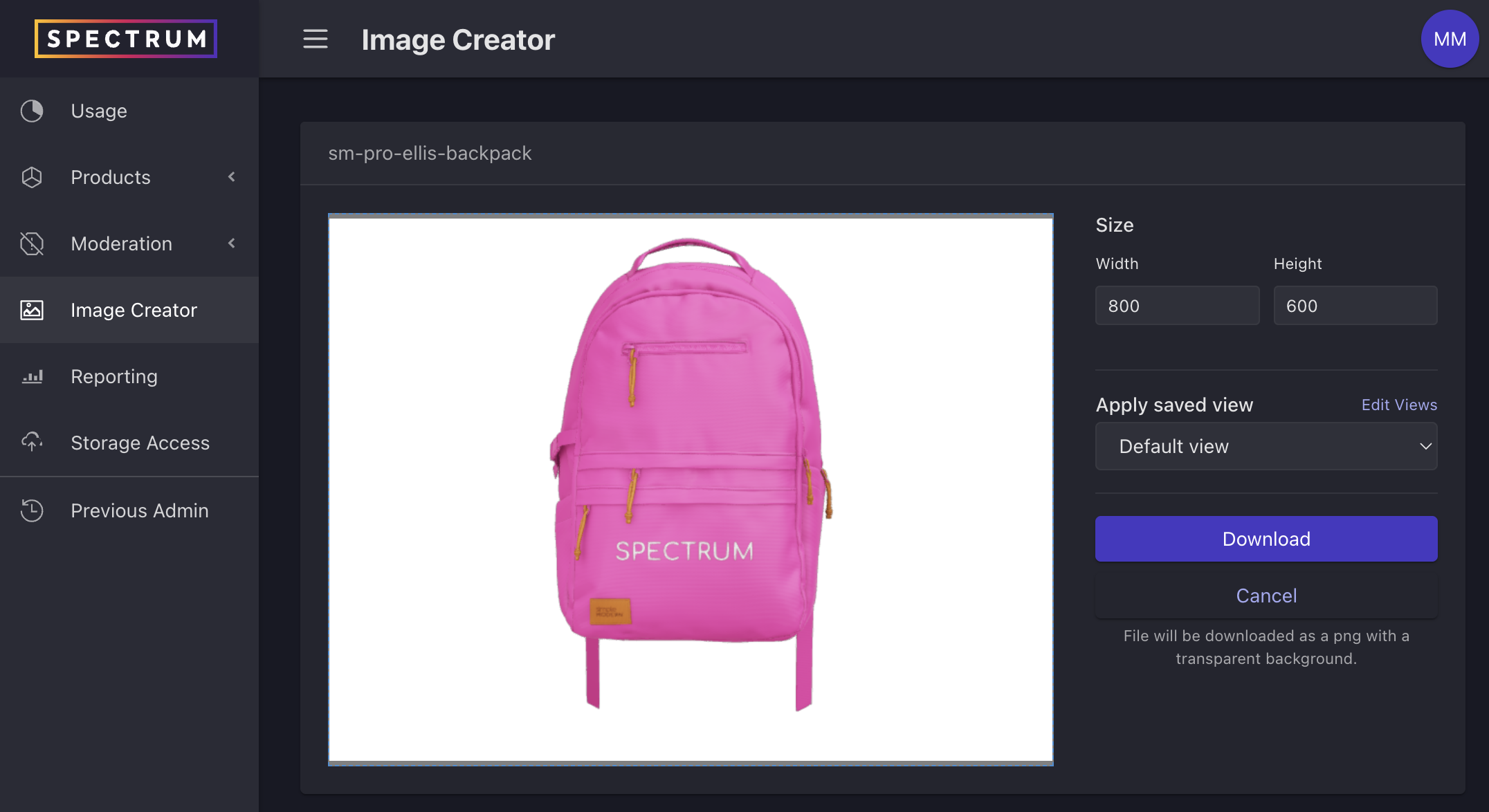
- Drag the product to position it
- Enter desired image download size and click the “Download” button
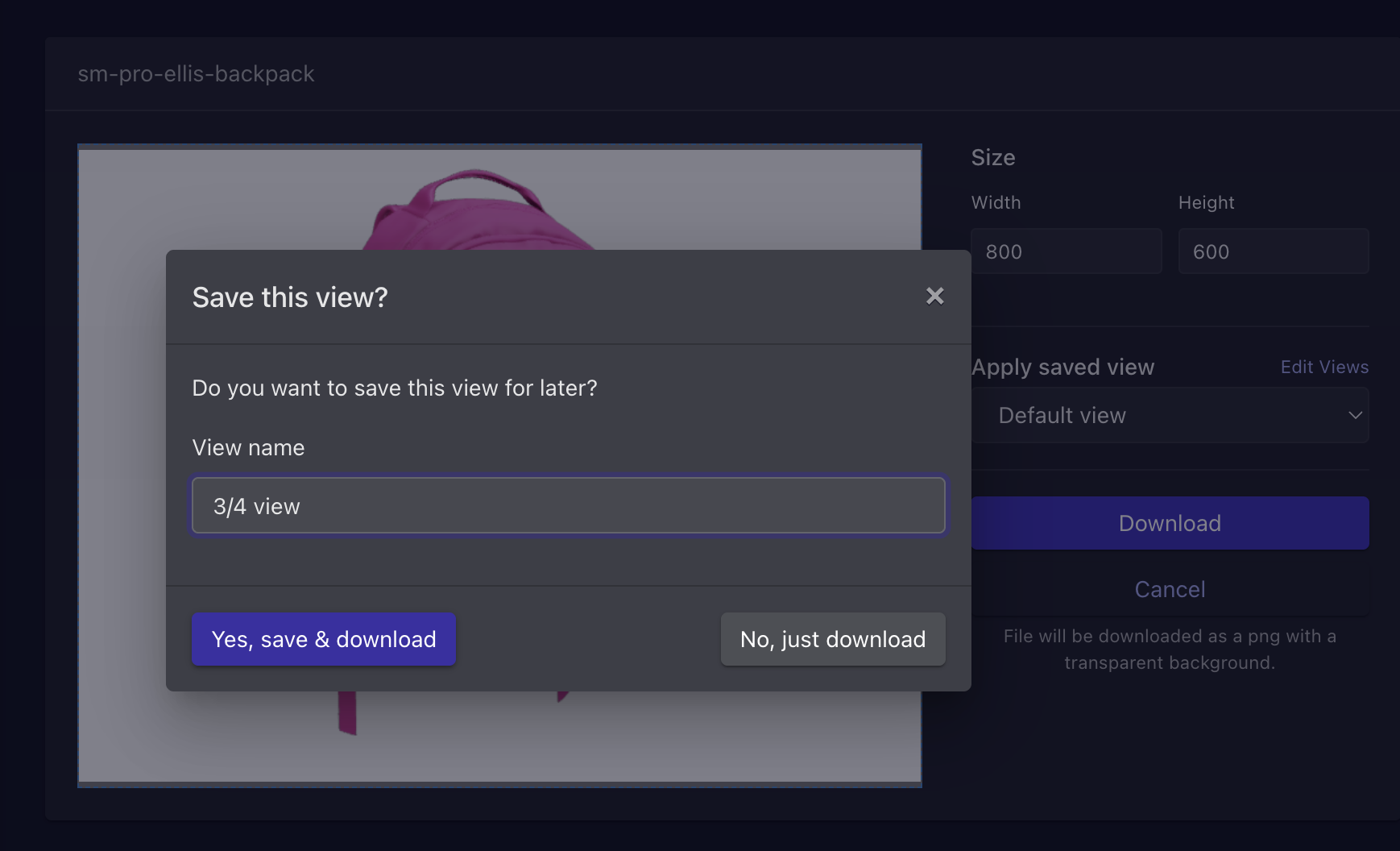
- You may choose to just download the image OR save the positioning to apply to future product imagery before downloading. By saving the positioning, you can ensure that all similar products are positioned the same for consistency.
- If you already have saved views, you may choose to apply one before downloading your image
- The image (PNG with transparent background) will download to your computer