(Graphic) Stock Art
Available with Core license. Please reference Stock Artwork Design Guidelines when creating your artwork.
In general, stock art includes logos, mascots, and distinct images that can be applied to a custom product. To access your stock art library:
- Log into the admin
- Select Personalization > (Graphic) Stock Art from the left navigation
Editing Stock Art
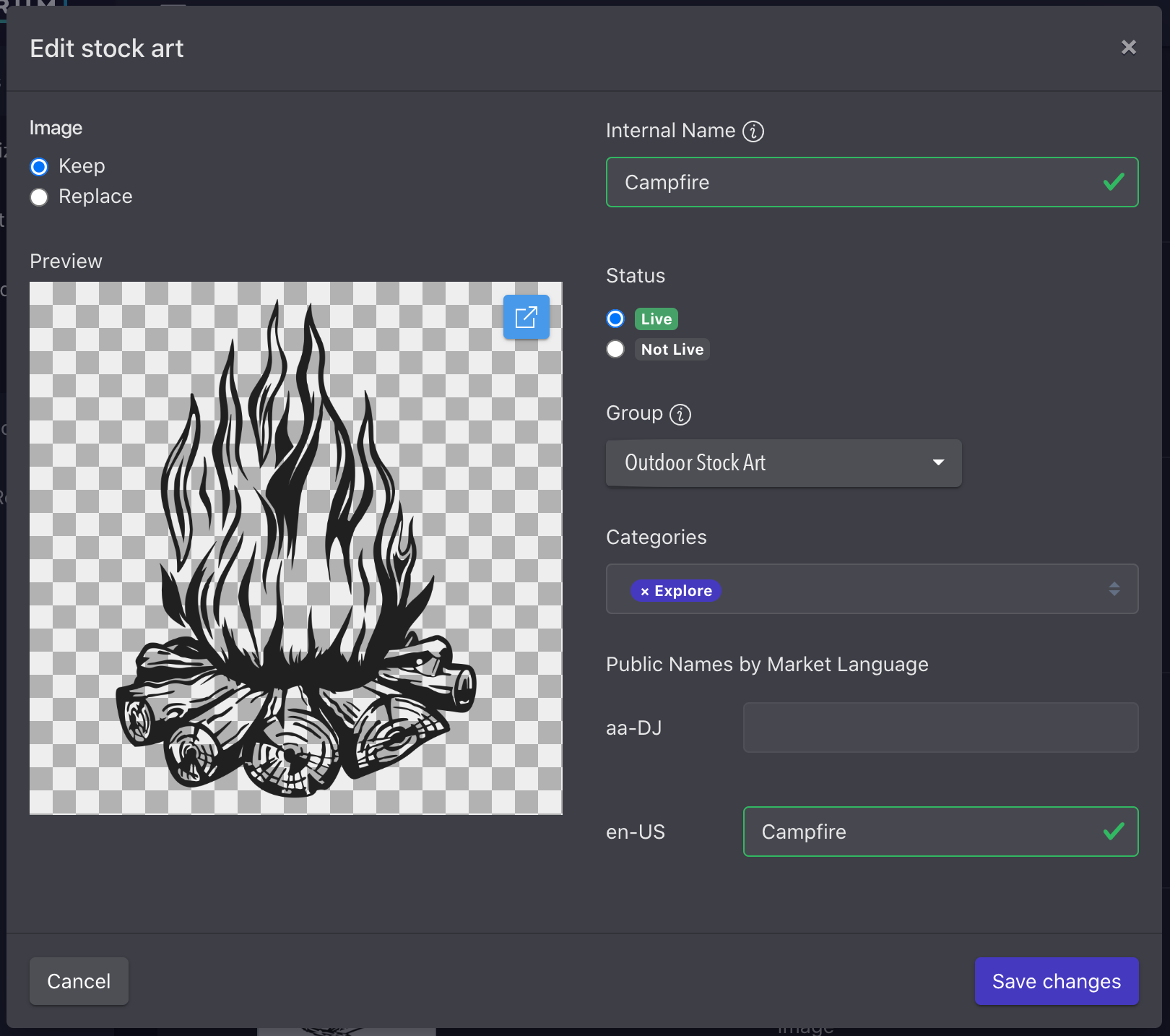
By clicking the edit (pencil) icon next to the artwork you wish to edit, you’ll be able to make updates to the image, internal name, status, associated group, categories, and public facing name by market language.
Adding Stock Art
- From the stock art list view, click the + in the top right corner of the page
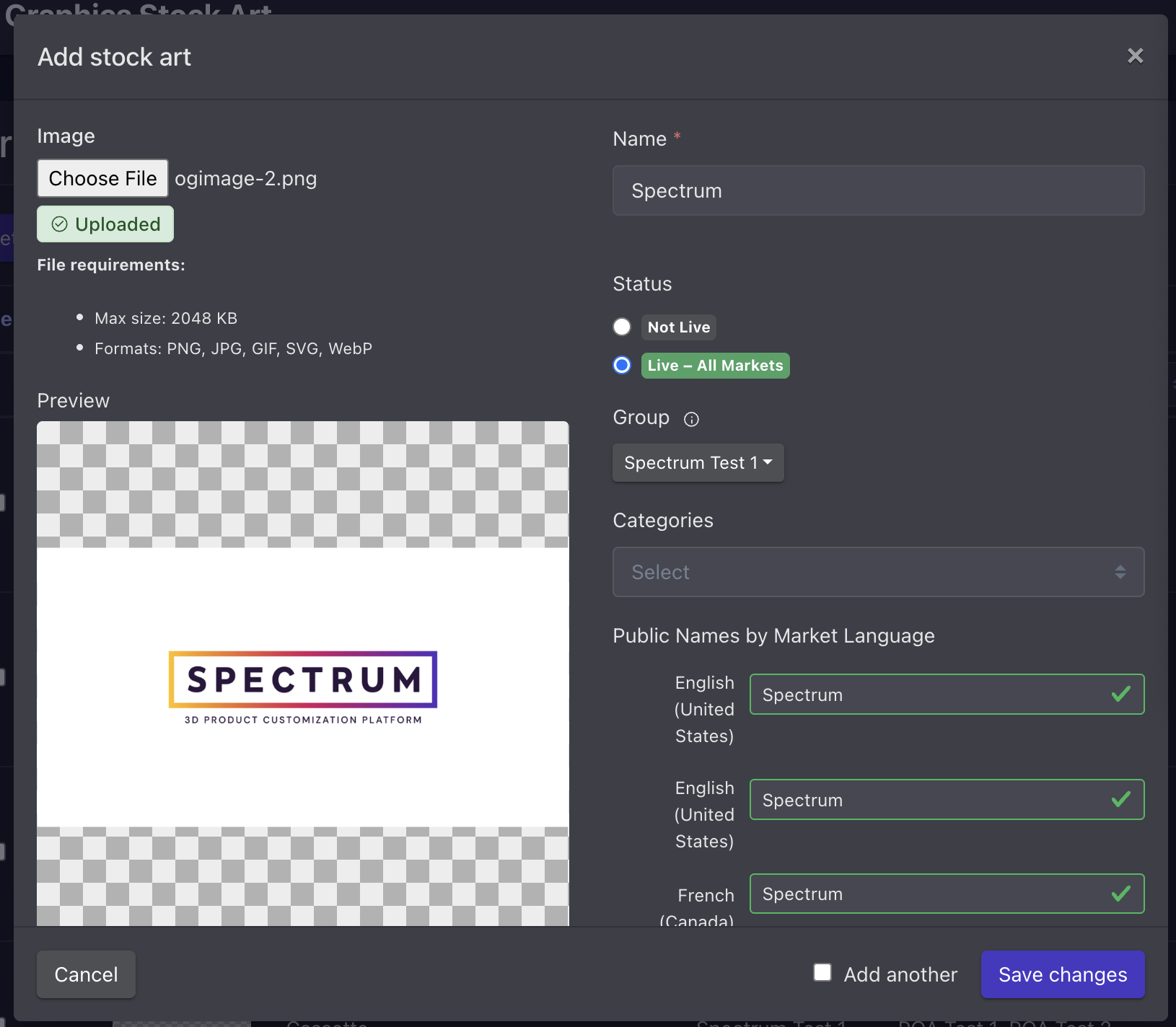
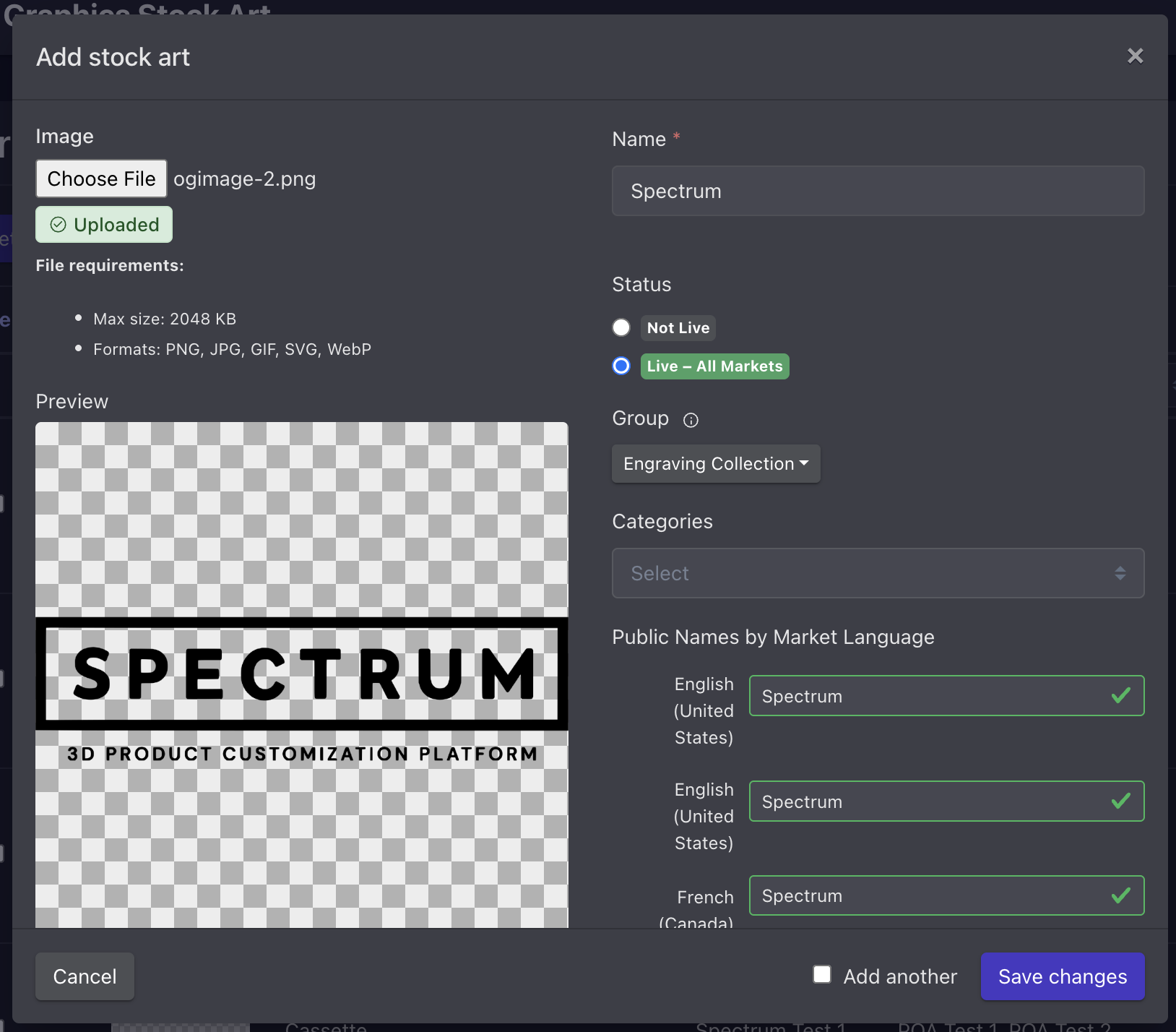
- This will open the Edit stock art modal, where you can upload an image, add name, set status, assign group/categories, and input public names by market language
- Save changes
- To expedite the addition of multiple stock art files, you may also check the “Add another” box before saving changes to automatically relaunch the Edit stock art modal after save
Your customizer may have specific image requirements outside of the system requirements.
Your artwork may be automatically converted to meet manufacturing requirements based on the group into which you add the artwork. If you want a piece of artwork to be used for all decoration application types, you need to upload to each group. You can change the group before you save, but once saved you won’t be able to edit the group.
Reordering Stock Art
- From the stock art list view, click the Edit Selection Order button in the top right of the page
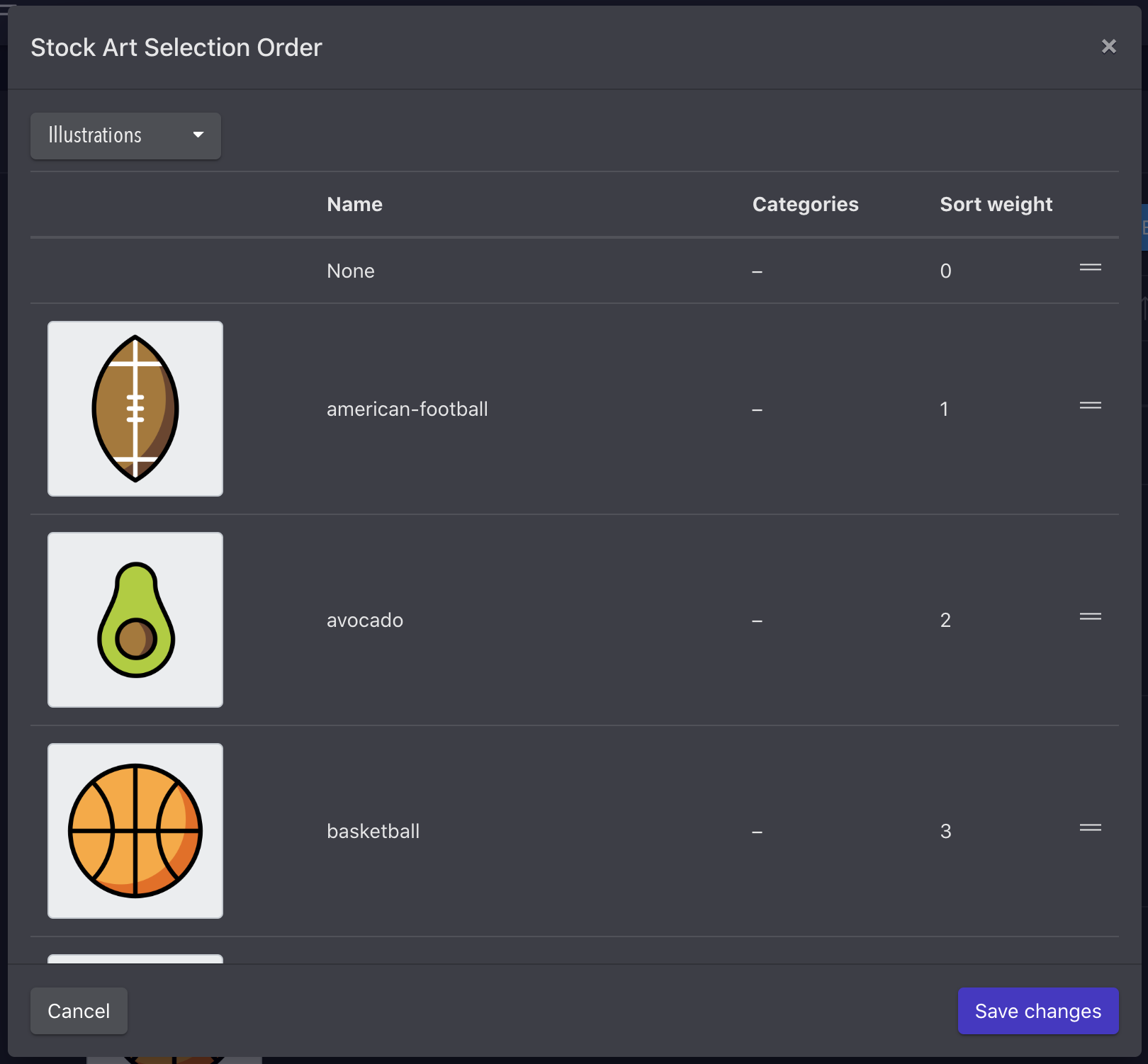
- This will launch the Stock Art Selection Order modal
- Select the group you want to reorder from the drop down
- Drag artwork into the desired order
- Save changes
Because stock art may belong to one or more categories, you are not currently able to order stock art within a category. Your customizer will usually order categories and individual stock art within the categories based on how you organize them in the admin.