Allowed Images
Available with Advanced Graphics license
Images uploaded to your allowed image list will bypass image moderation. Orders including images from this list will be approved and sent to factory for production.
This feature operates as an exact match on the uploaded image. Any modifications to the image (e.g., file type, size) will not result in a match and the image will be processed through standard image moderation. This may result in a denial.
Ideal use cases for this feature:
- Re-orders of products that include the image.
- Pre-arranged approvals with customer (e.g., coordinated corporate orders).
- Product designs that will be used for marketing, social promotions, etc.
Add an Image
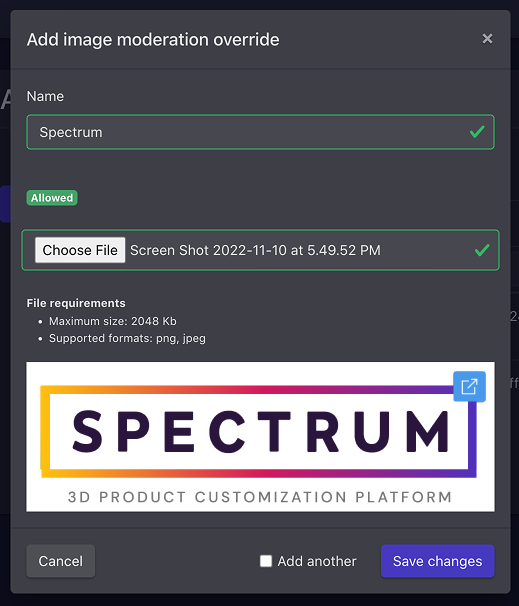
- From the Allowed Images List view, click the + icon in the top right of the page
- Add an image name (for reference only)
- Choose a file to upload
- Save changes
- If you have multiple images to add, you can check the Add another checkbox to automatically reload the image moderation override modal after each save